Pretty Docs

AI Document Studio

Documents
worth printing.

Paste text, drop in a DOCX, or import a PDF. Pick one of 230+ design templates. Out comes a document that looks like a studio spent a week on it, ready to edit sentence by sentence until it reads exactly how you want.

230+

Design templates

DOCX.

PDF and text, all welcome

Live.

Interactive inline editing

Versions, all restorable

The Studio

Select a sentence. Tell the editor what to do.

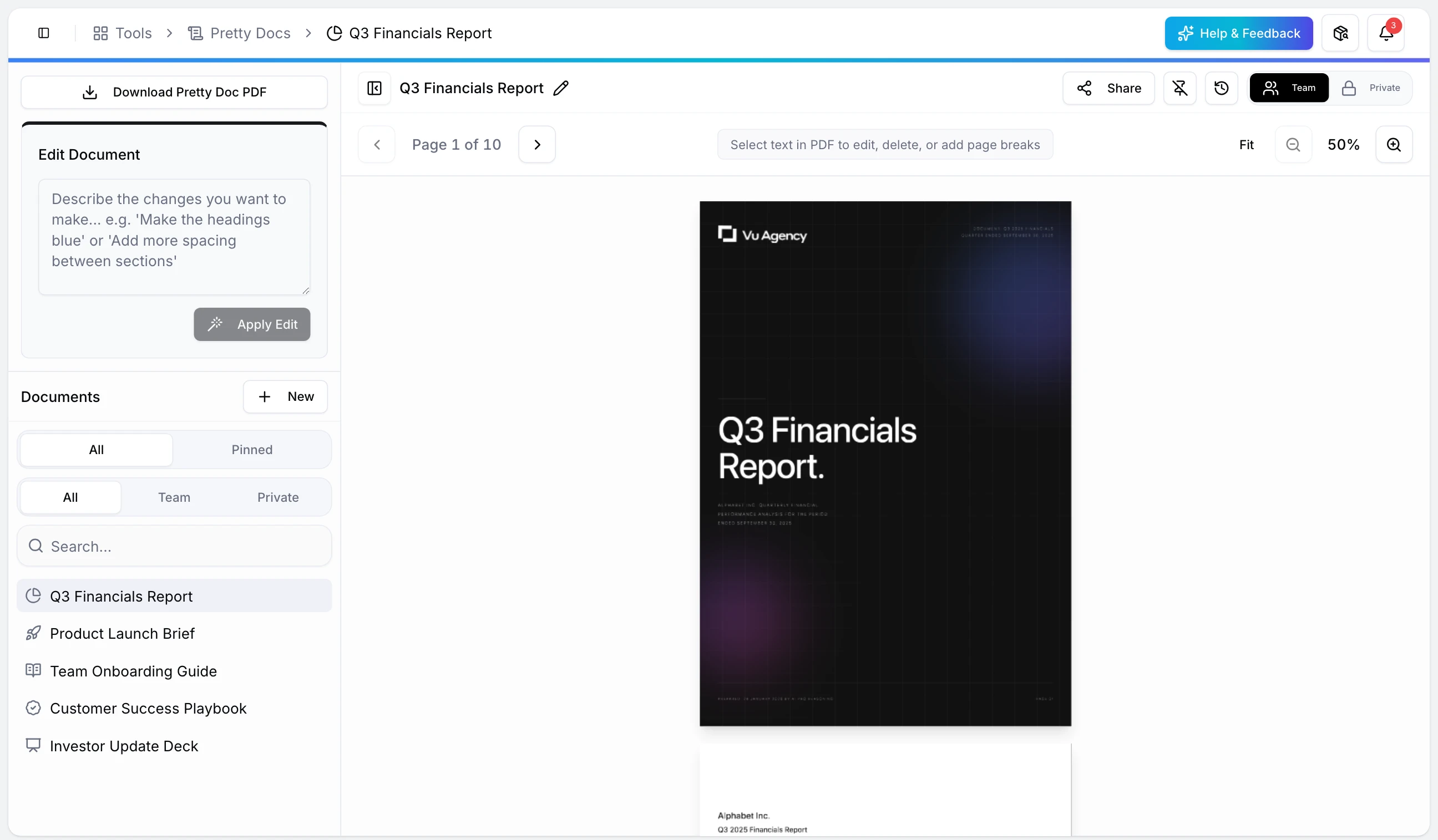
Highlight any block of text and type an instruction. Insert a page break by clicking between blocks. Resize images by dragging the corner. Nothing to learn, nothing to configure.

Pretty Docs interface

The Method

Three movements, from raw text to a document worth printing.

01 Movement 1

Bring the content

Text, DOCX, or a messy PDF.

Paste a draft, upload a Word file, or import an existing PDF. Pretty Docs parses the structure, extracts the images, and lays it out ready for design.

02 Movement 2

Choose the design

One decision, 230 options.

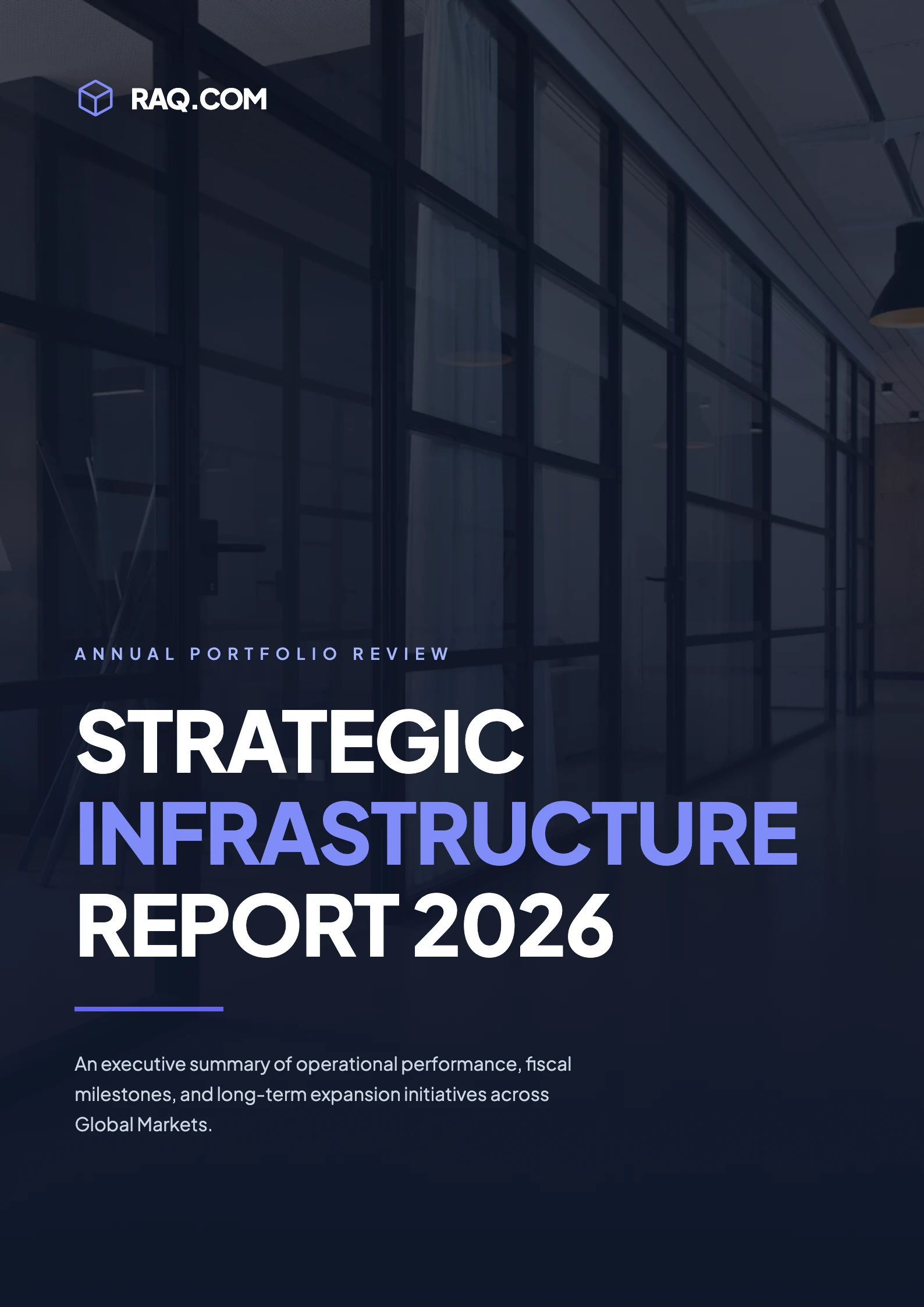
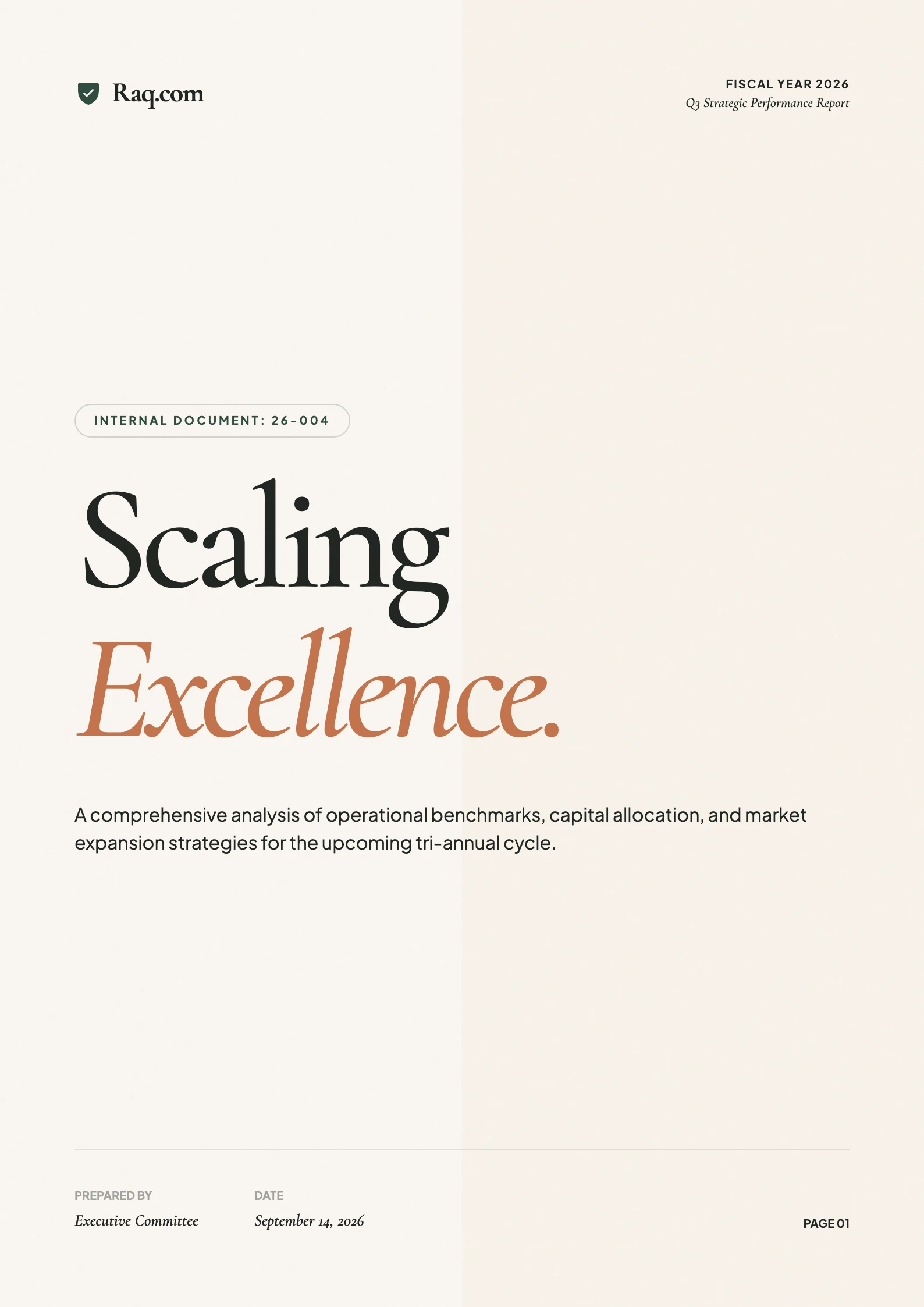
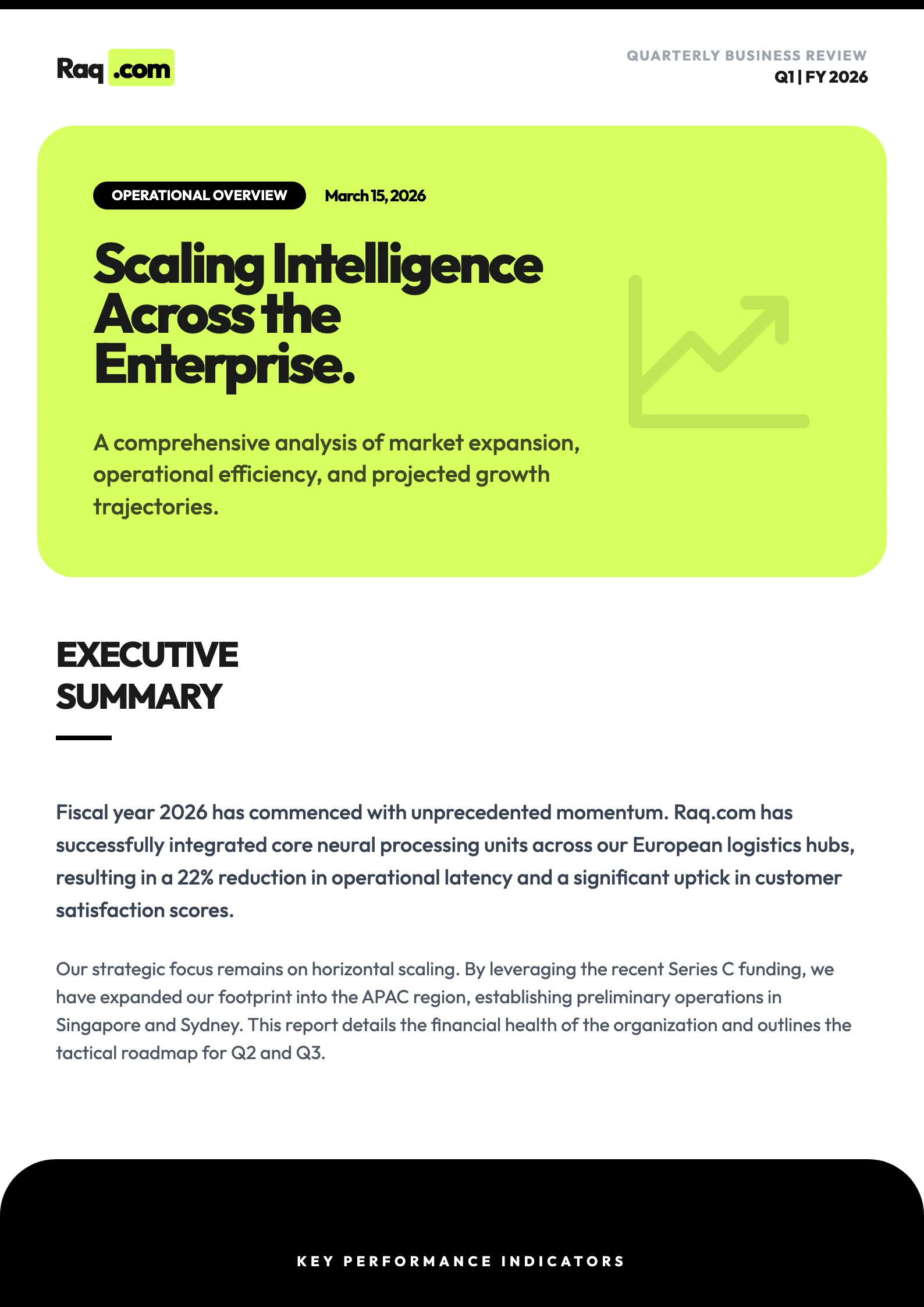
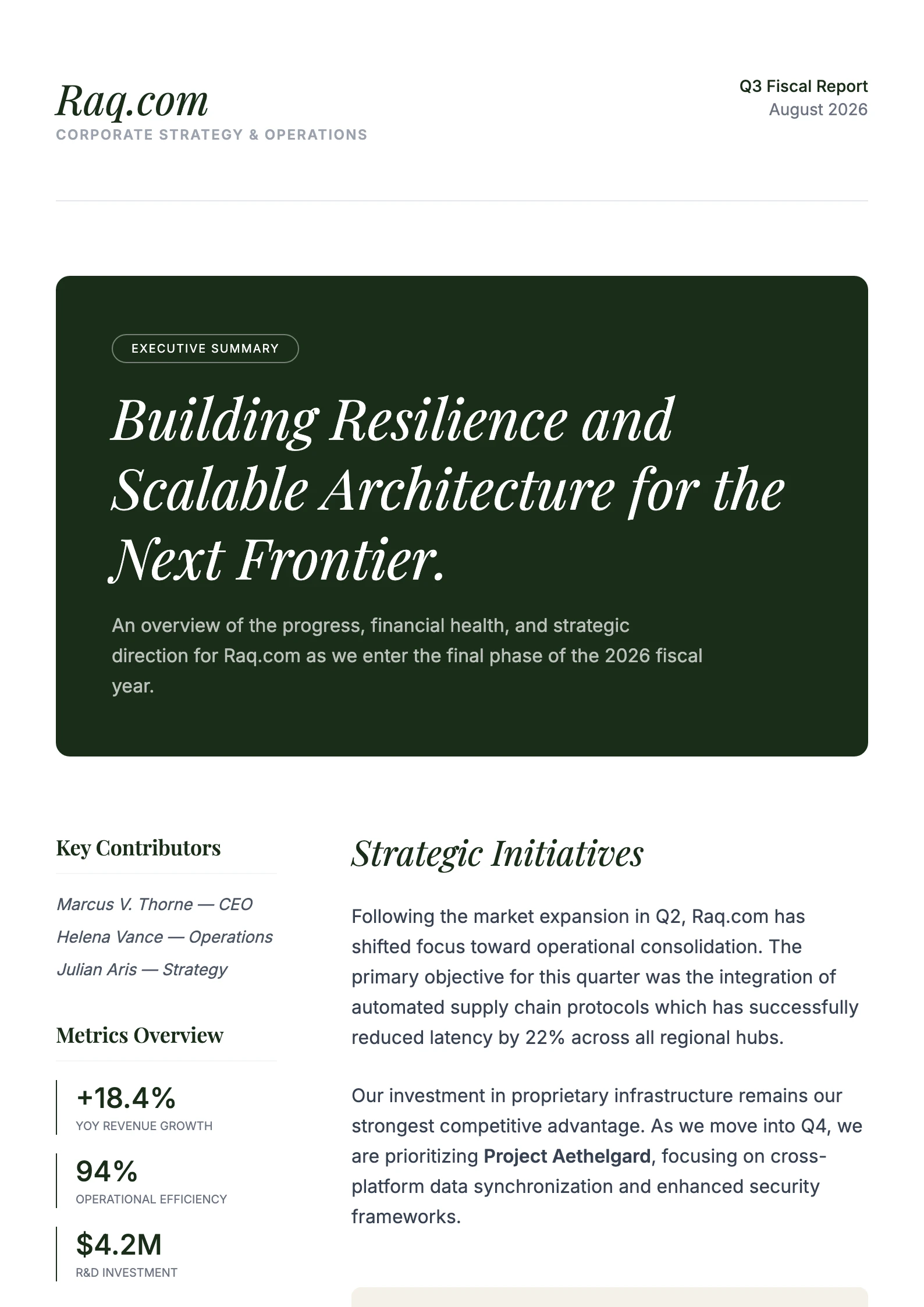
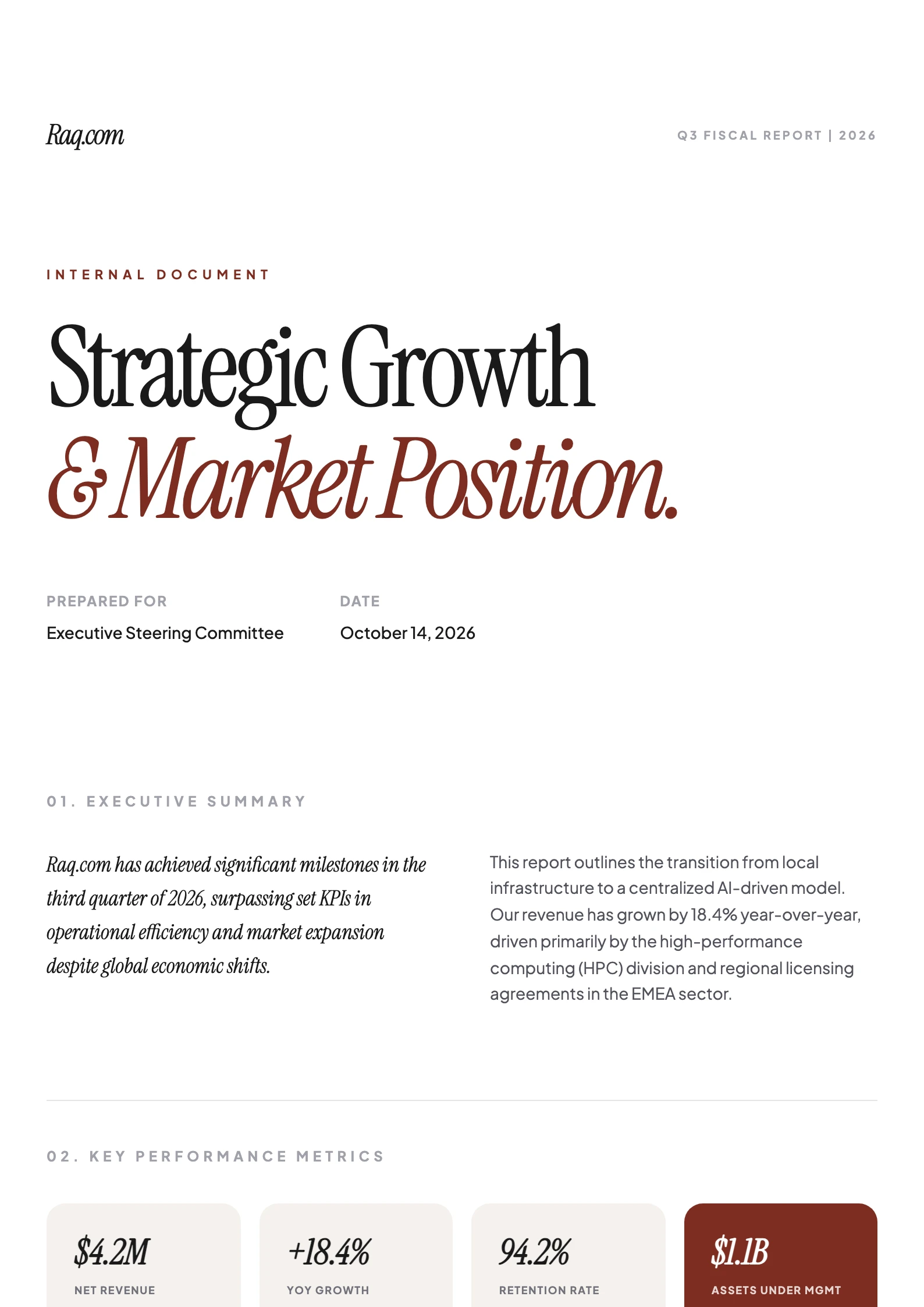
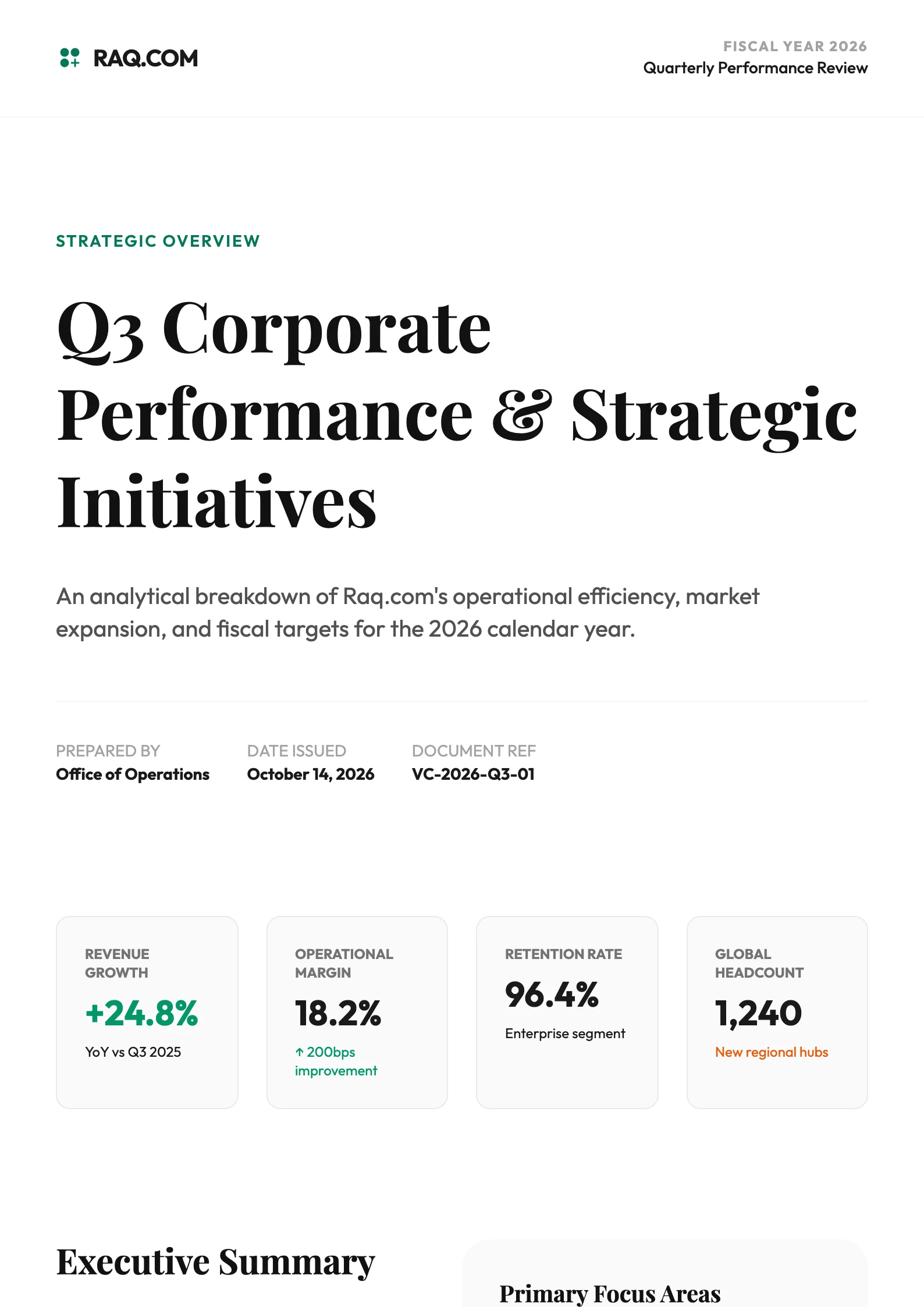
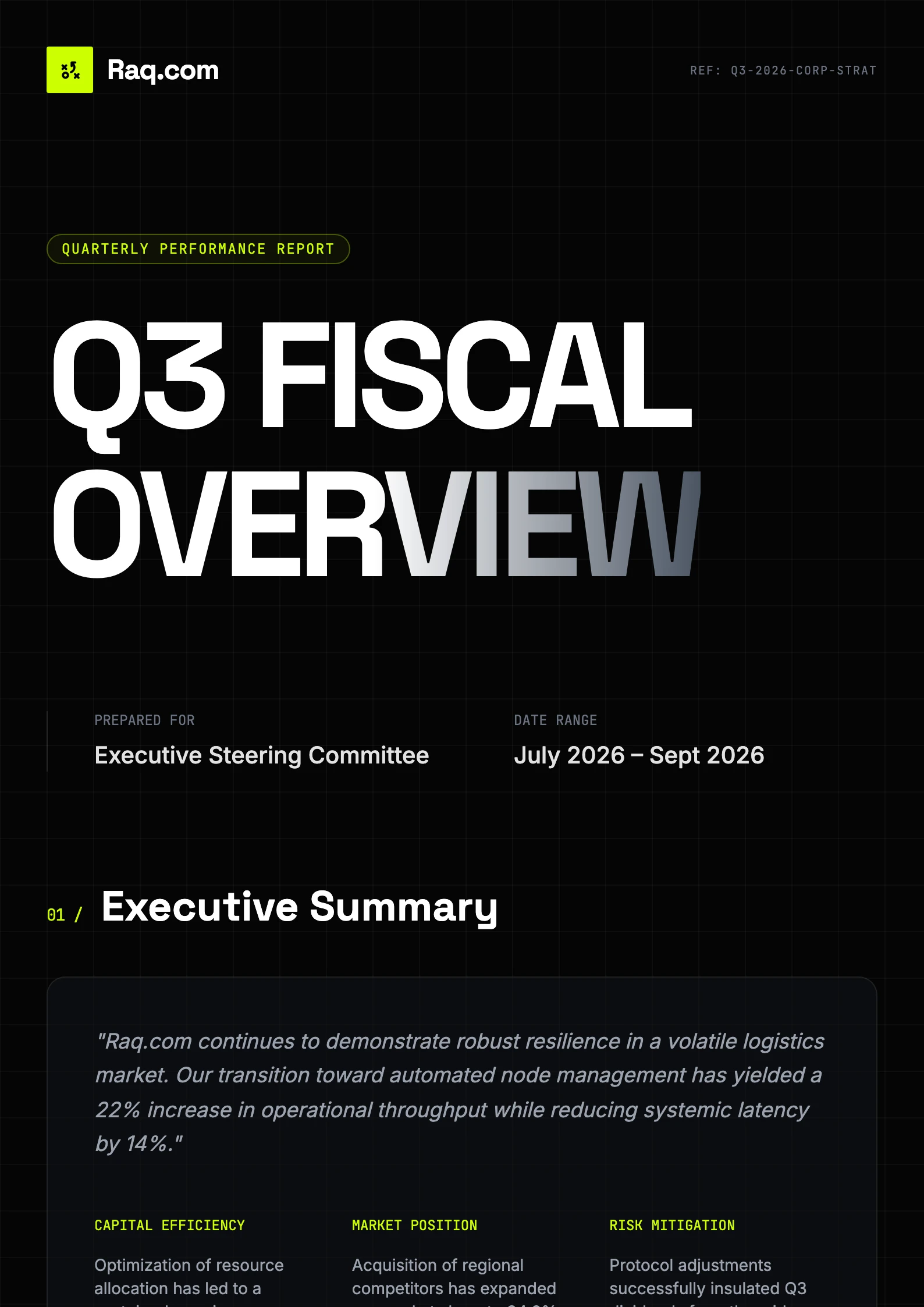
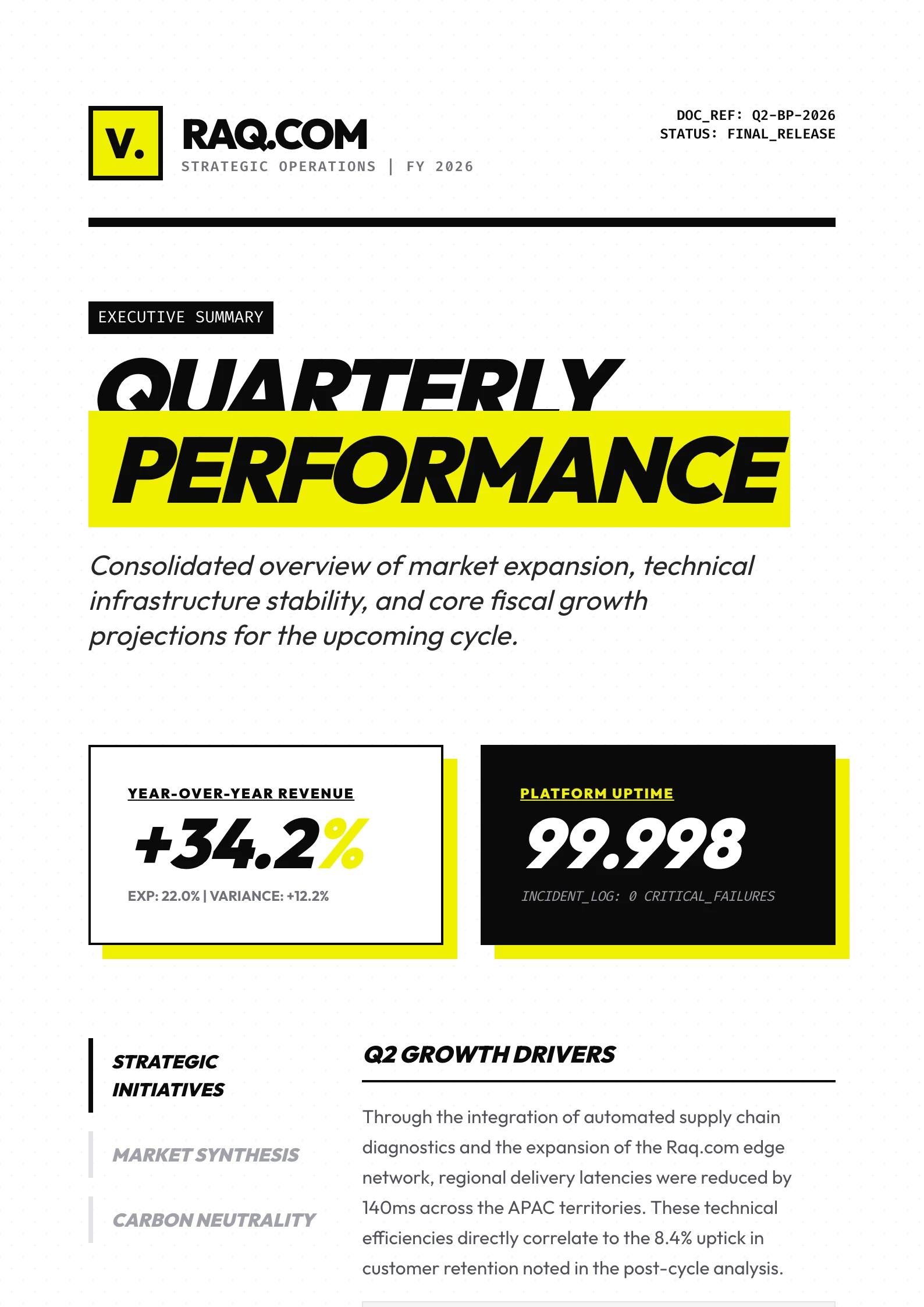
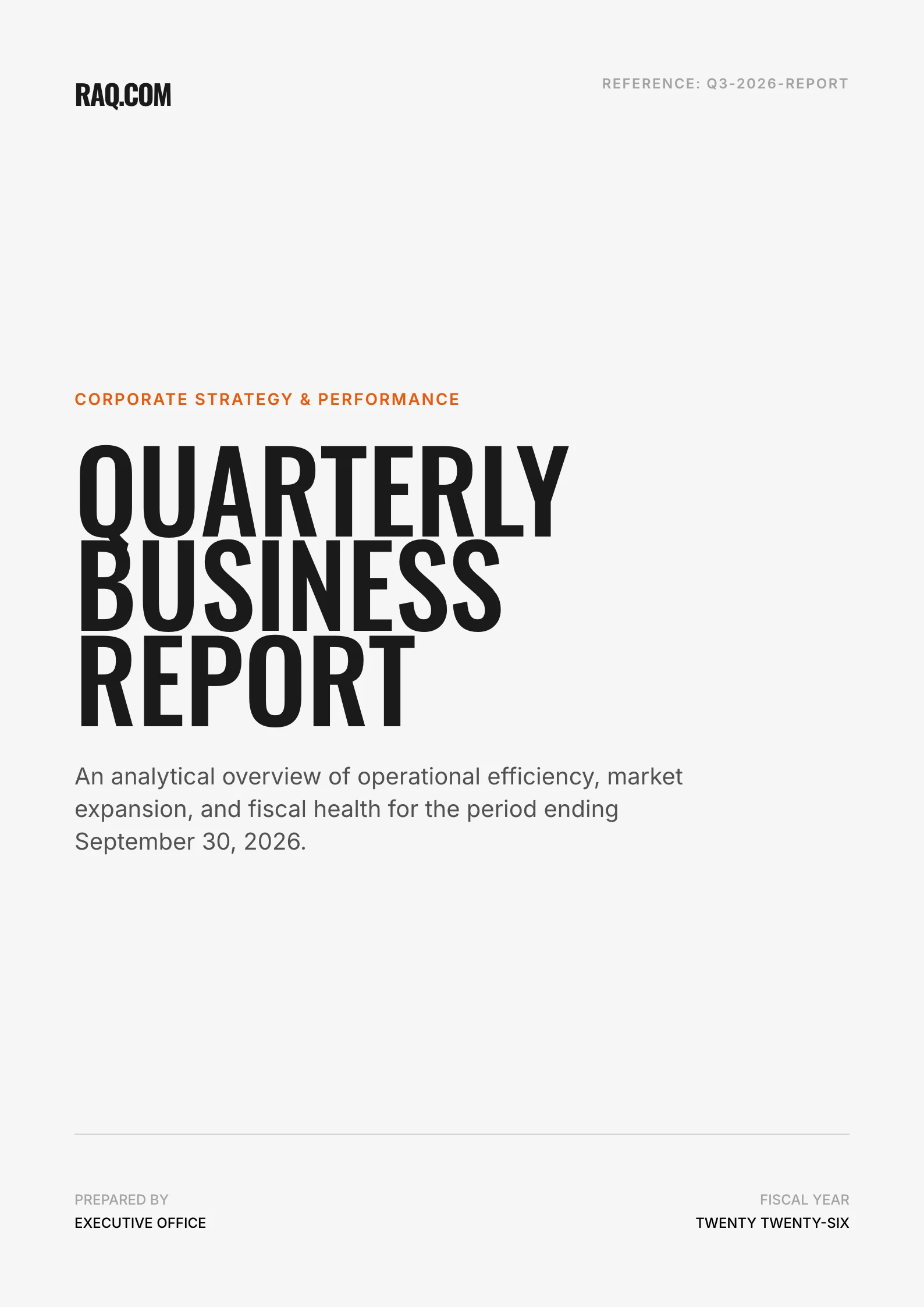
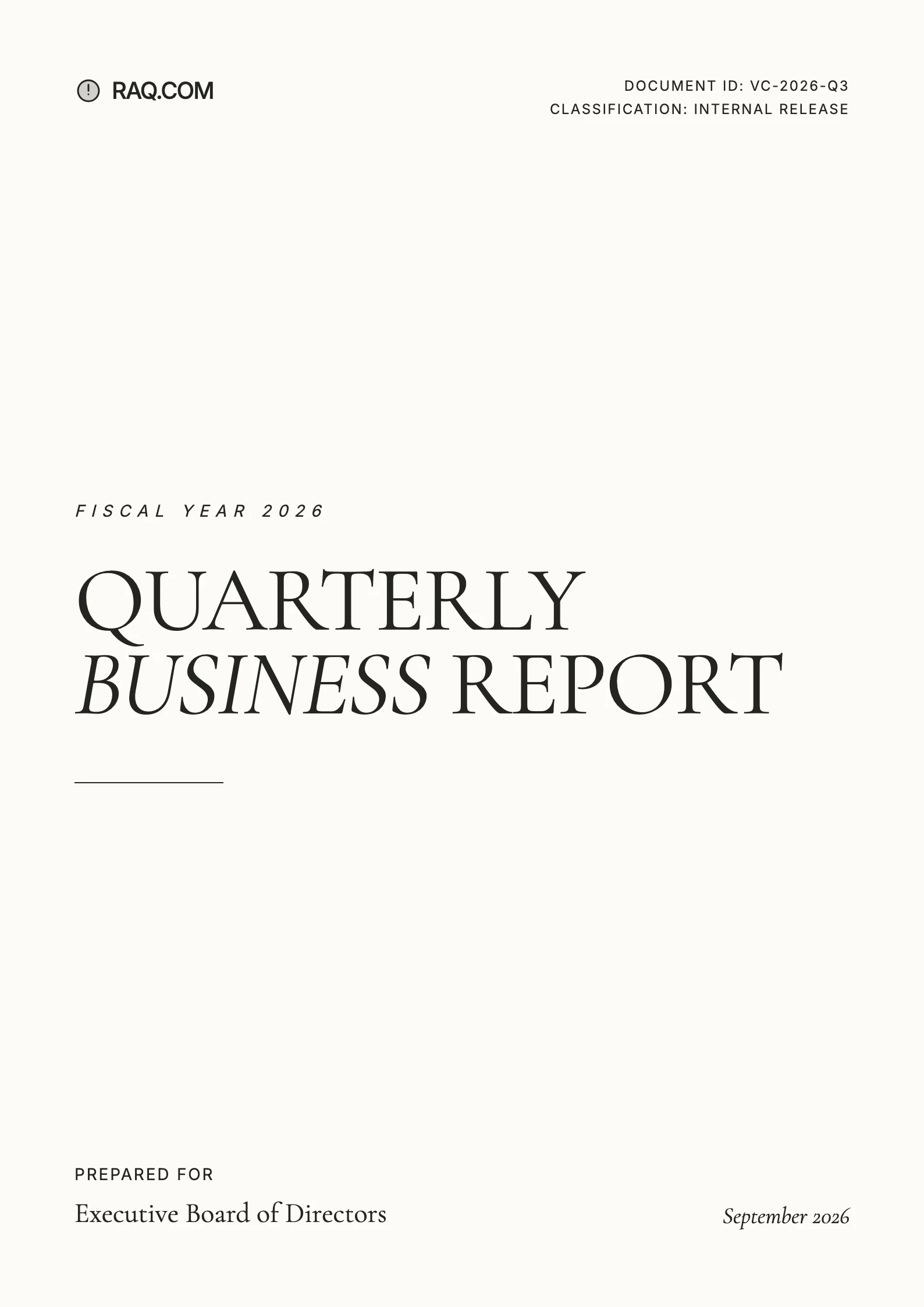
Bold executive, modern editorial, classic formal, Swiss grid, elegant serif. Pick the template that matches the tone and Pretty Docs applies it to every page.

03 Movement 3

Edit and ship

Interactive inline editing. Every change versioned.

Select a sentence and rewrite it. Give the editor an instruction. Insert page breaks between blocks. Resize images with a drag. Restore any prior version whenever you want.

The Craft

Not a generator. An interactive design editor.

01

A Proper Template Library

Over 230 hand-built templates covering executive reports, editorial spreads, whitepapers, proposals, and formal documents. Not three variations of the same corporate beige.

02

Text, DOCX, or PDF In

Start with a rough paragraph, a finished Word document, or a PDF that needs reformatting. Pretty Docs handles parsing, image extraction, and structure detection.

03

Inline AI Editing

Select any block of text and give the editor an instruction. Tighten this. Make it more formal. Break this into bullets. Watch the document update in place, without leaving the page.

04

Versioned, Not Overwritten

Every edit creates a version. Restore any previous state at any time, so experimenting never costs you the good draft from an hour ago.

05

Replaces The Old Stack

Work that used to take a designer in InDesign, or a compromise in Canva Docs, Piktochart or Venngage, now happens in the browser from the source text.

Output

What the team ships when the design is already finished.

№ 01

0

Design templates included

№ 02

0

Inputs supported: text, DOCX, PDF

№ 03

Every

Edit is versioned and restorable

Why It Matters

The document already looks finished. You just write.

Most of the time spent on a report, a whitepaper, or a proposal is not the writing. It is the formatting. Pretty Docs starts from a design that looks shippable on page one, so the work you do is on the words. Send it to a client, print it, hand it to the board. It reads like something the team cared about.

Typical Uses

  • Quarterly reports, investor memos, and board packs that look worth reading.
  • Whitepapers, research notes, and thought pieces to send to clients and prospects.
  • Proposals, briefs, and case studies that arrive looking finished, not drafted.