Write One Prompt
Describe what you want once.
Turn on prompt expansion and the Lab writes the variations for you. Keep it tight when you want consistency, open it up when you want range.
Swipe to explore
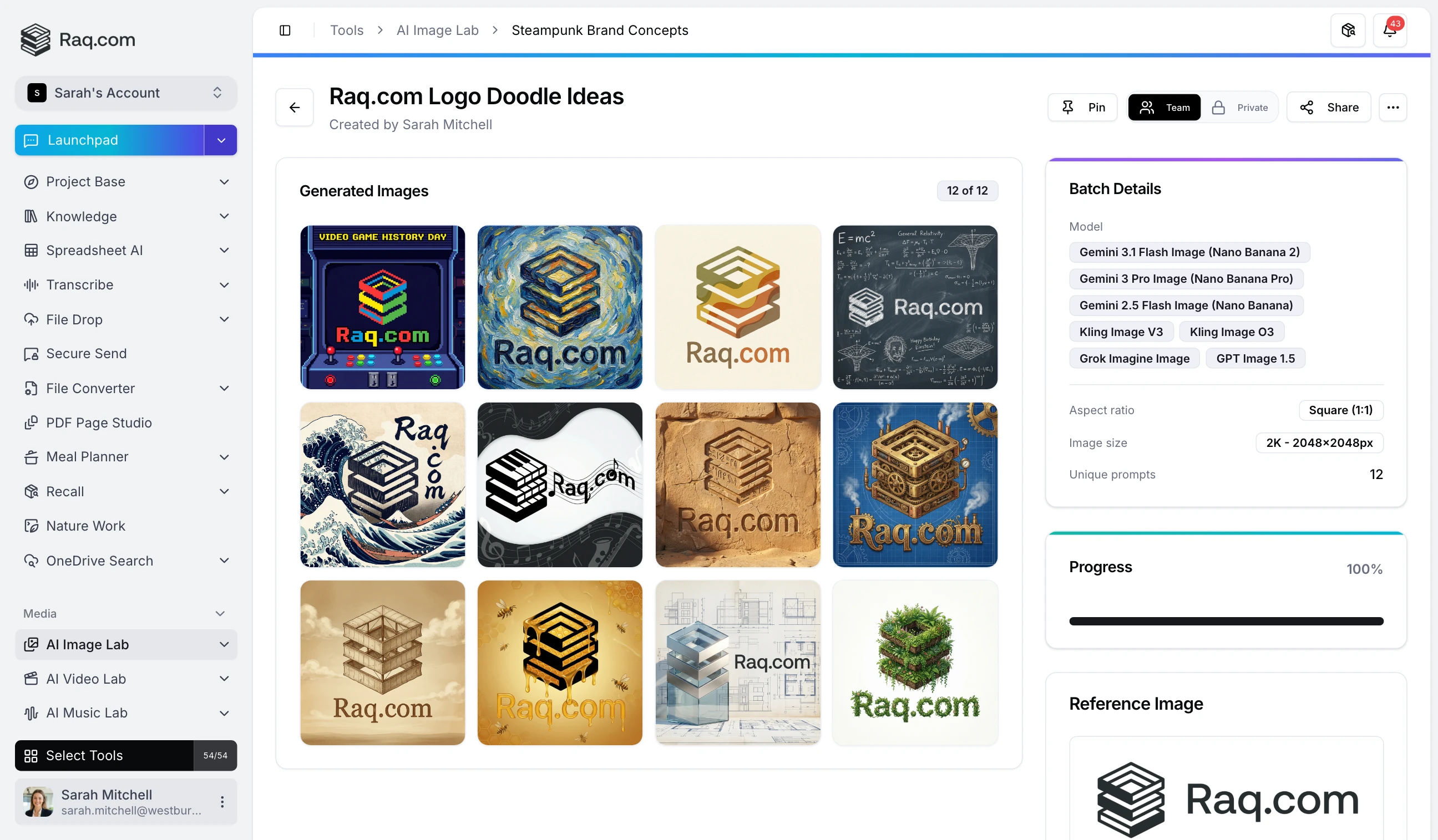
Turn a single instruction into dozens of unique images with automatic prompt expansion, or use exact prompts for precise control. Upload source images to guide generation, choose from eight AI models with up to 4K resolution, and save batch configurations as reusable templates. Download all outputs as a ZIP.
Watch a quick walkthrough of AI Image Lab.
Describe what you want once.
Turn on prompt expansion and the Lab writes the variations for you. Keep it tight when you want consistency, open it up when you want range.
Generate across eight image models in parallel.
Nano Banana 2, Gemini 3 Pro, GPT Image 2, Kling, Grok Imagine and more. Set the count per model, hit go, and compare outputs from every engine in the same batch.
Keep the winners, drop the rest.
Star your favourites, generate more from what works, or branch into a new direction from any output. Download single images or the full batch as a zip.
Nano Banana 2, Gemini 3 Pro, GPT Image 2, Kling, Grok Imagine and more. Run them in parallel on the same prompt and let the best output win.
Give the Lab one idea, get a batch of distinct variations. Tune how much the expanded prompts can drift from the original.
Upload a reference image to steer the batch. Keep composition, lighting or subject and let the model work around it.
Save a prompt, model mix and reference bundle as a template. Run it again any time with one click and different inputs.
Mark the outputs you want to keep and generate more from them. Iterate inside a single batch rather than starting over.
Download individual images or the full batch as a zip. Resolution, format and filename convention stay under your control.
Start saving time and money with Raq.com.